400-1980 Rue Sherbrooke O, Montréal QC, H3H 1E8, Canada
Settings menu in Driver Updater
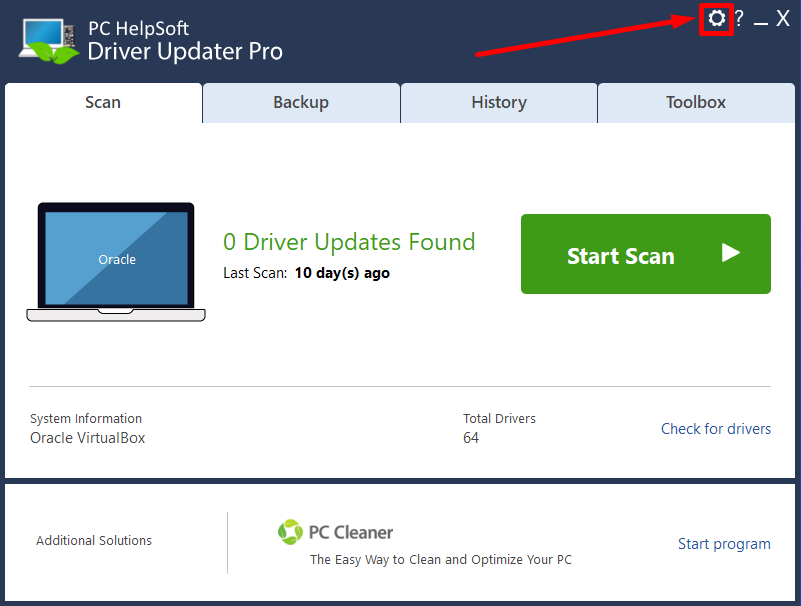
- Click the cog icon in the top right corner to access the Settings menu.
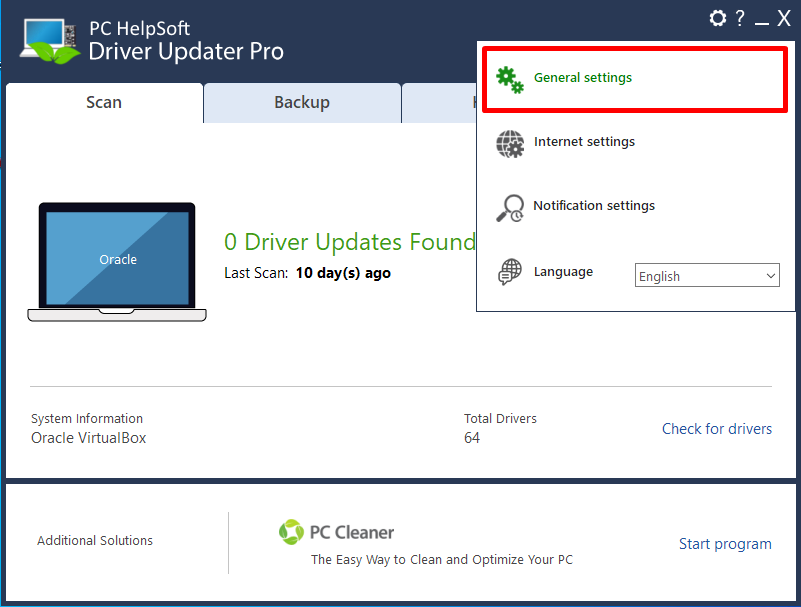
- The general settings option allows you to choose the folder for downloaded driver updates and the folder for backup/restore drivers.
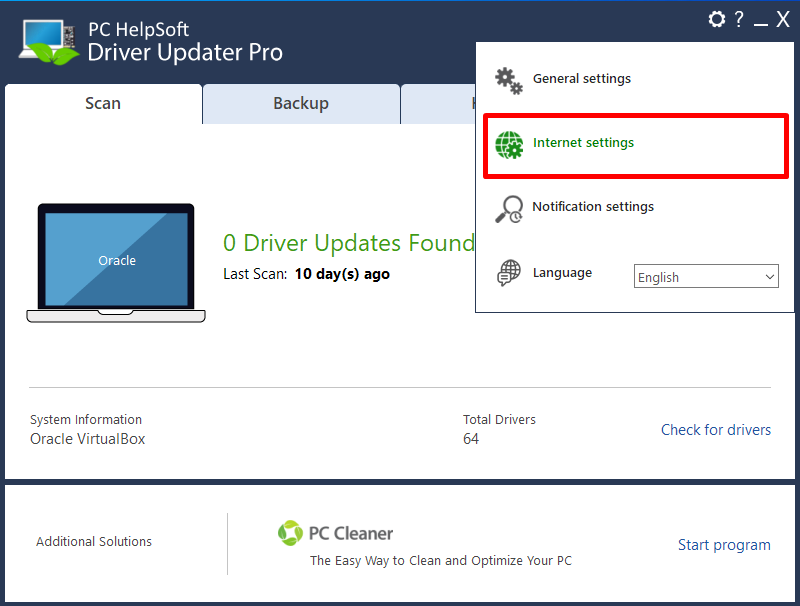
- The Internet settings option allows you to enable proxy settings.
-
Notifications settings let you manage the automatic scan and system monitoring.
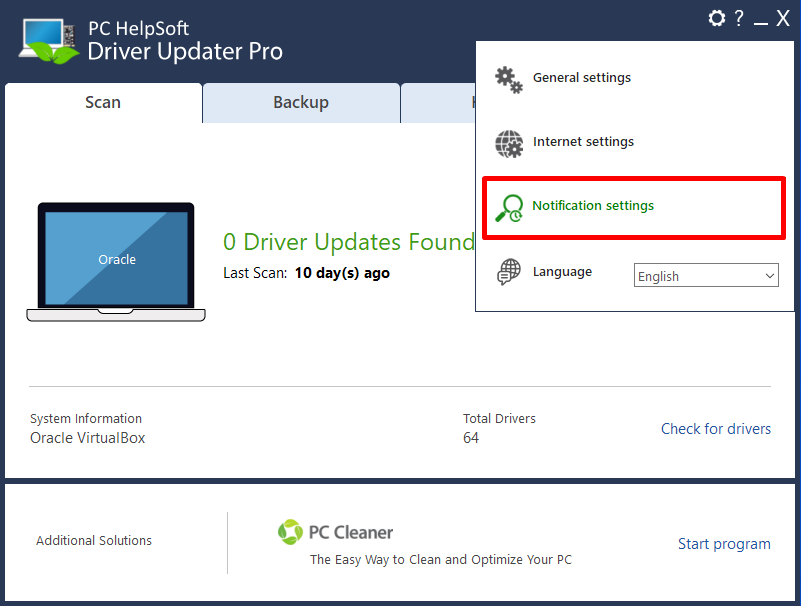
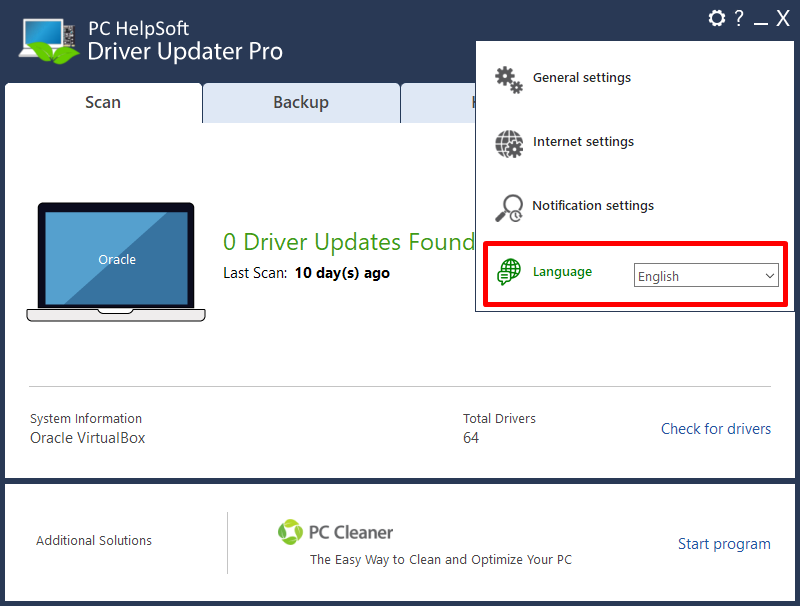
- The Language option helps you change the Driver Updater language.