400-1980 Rue Sherbrooke O, Montréal QC, H3H 1E8, Canada
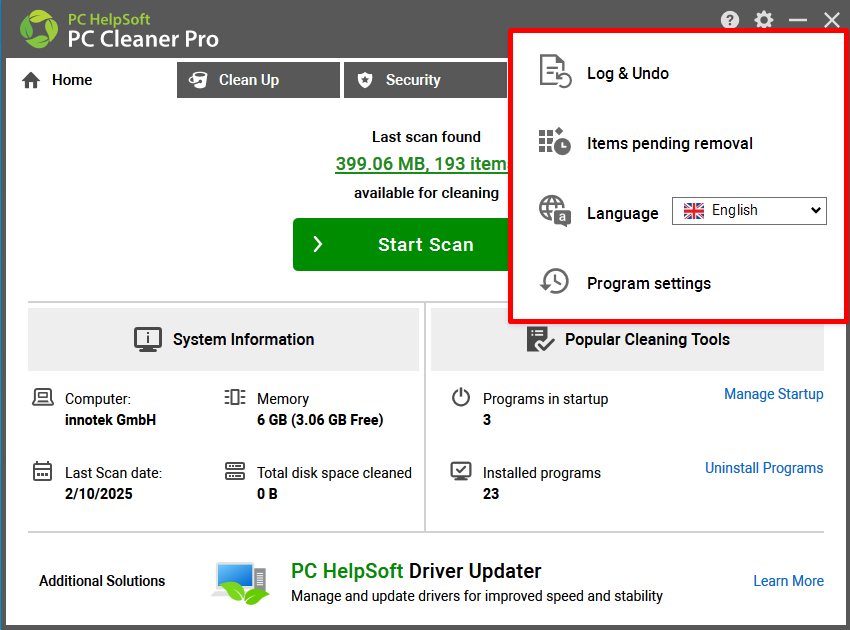
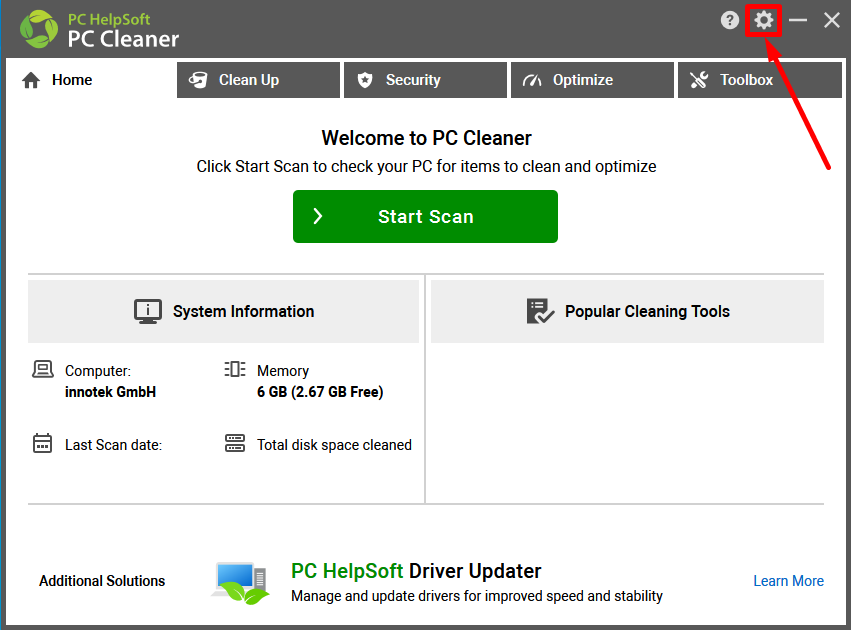
Settings menu in PC Cleaner
- Click on the cog icon in the top right corner to access the Settings menu.
- The Log & Undo option allows you to view the logs and undo the changes made by the PC Cleaner software.
- The Items pending removal option will show you a list of items that couldn't be cleaned because they were locked or in use by another application.
- The Language option helps you change the PC Cleaner language.
-
Program settings allow you to customize scheduled scans and notifications.